
Software
Which KANJI? So FANCY!
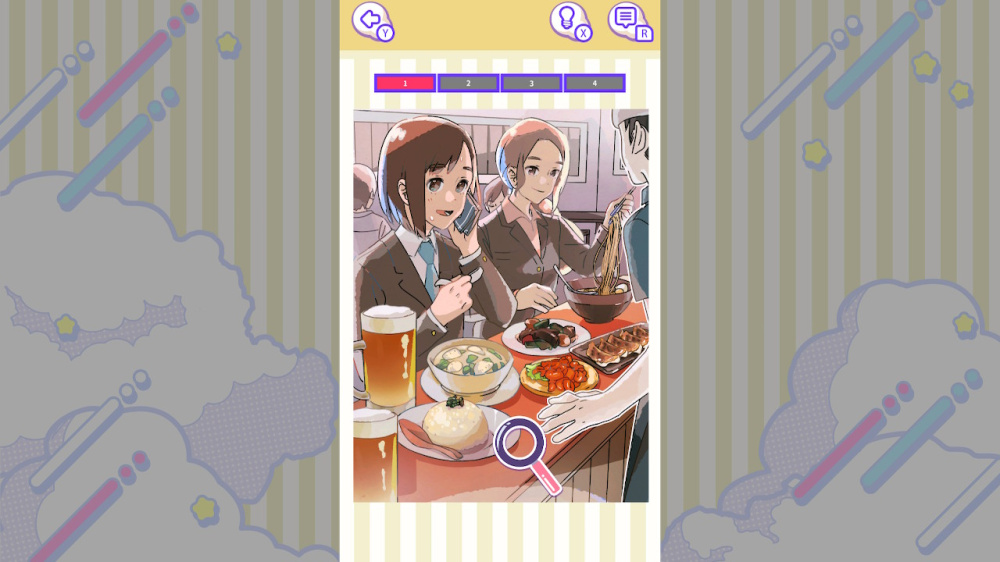
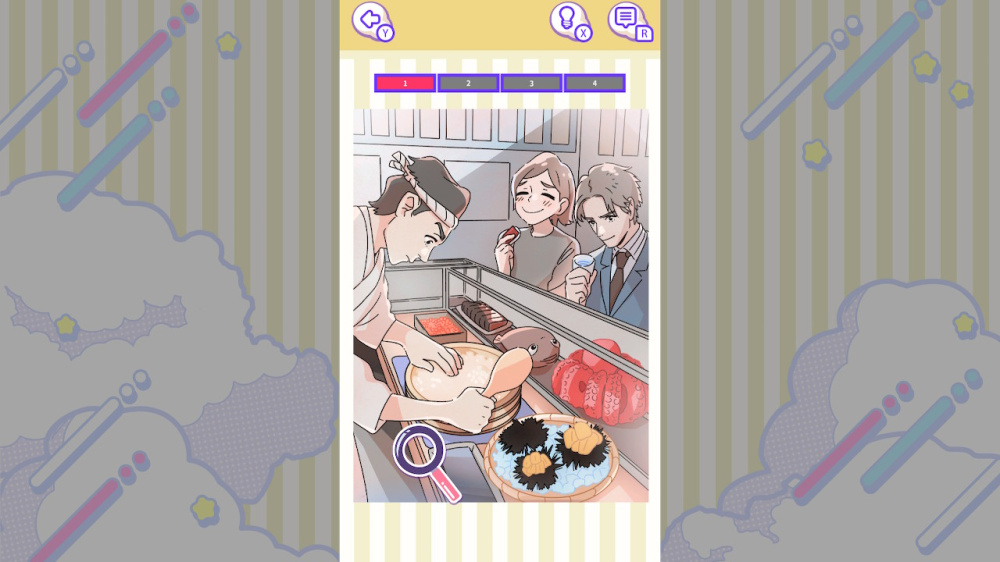

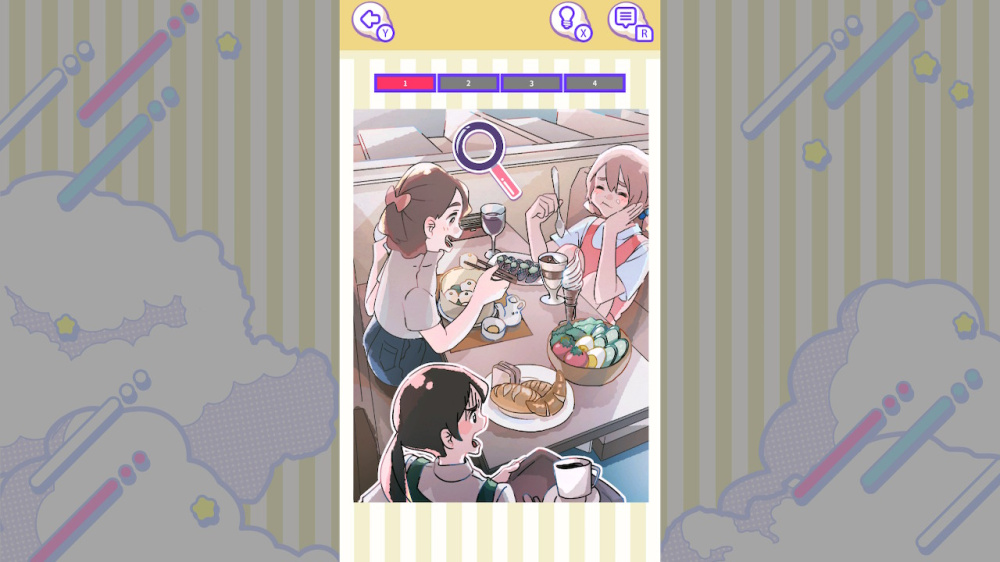
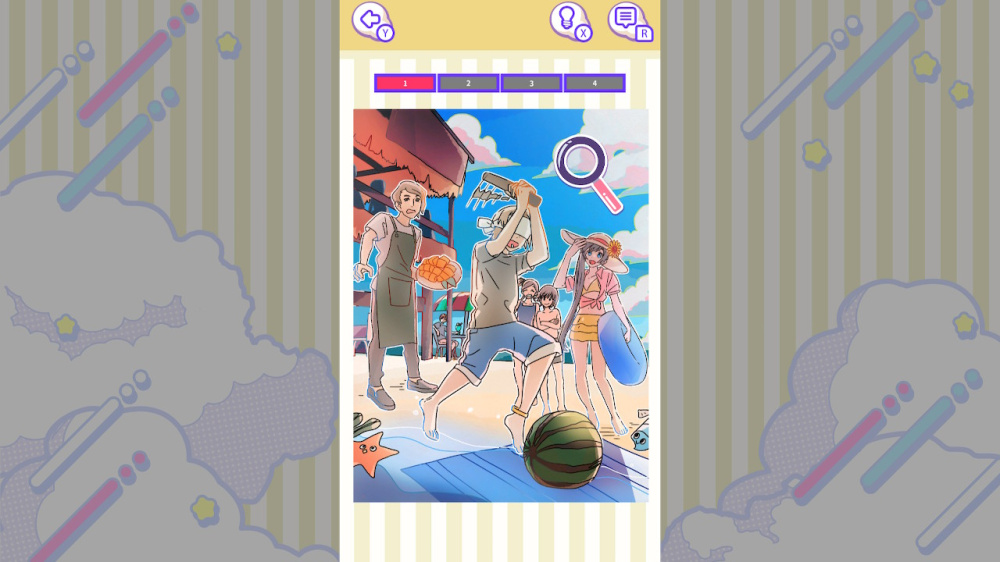
Where is the flower labeled “仙人掌” in the illustration? Let’s learn KANJI, even difficult ones for Japanese people, in a fun way through this game!
Embrace the Beauty of Everyday Life While Learning Complex KANJI! Welcome to a unique game where you can enjoy beautiful illustrations of daily life while mastering challenging KANJI characters. How to Play: ・View the KANJI character given as a challenge. ・Find the corresponding object in the illustration. ・Tap the correct spot once you’ve identified it. When you get it right, you’ll discover interesting trivia and fun facts about why the KANJI is written that way. Explore Various Situations: ・Which item in the family restaurant is written as “麵麭”? ・Which New Year’s game is called “骨牌”? ・Which plant in the flower shop is labeled “仙人掌”? …and many more! Don’t worry if you get stuck! Our hint feature will gently guide you, making this game enjoyable for KANJI masters and beginners alike. No matter your level, you’ll find fun and learning combined. The game supports both button controls and touch controls, allowing you to play in TV mode, handheld mode, or tabletop mode. ※This game is designed to be played on the Nintendo Switch™ in vertical orientation.
Product description provided by the publisher.
Required Space
- English

A paid membership to Nintendo Switch Online is required to use the Save Data Cloud.
More or less free space than is indicated here may be required in order to install products that have been downloaded to the console.
If there is not enough free space available, you can delete unnecessary software or insert a microSD card with enough space.
Note: Nintendo Switch 2 is only compatible with microSD Express cards.
This software supports the following: - Touch screen
※On the Nintendo Switch™ Lite, only touchscreen operations are supported. If you wish to use physical buttons, please connect a controller wirelessly.