Software
Sports - MotionPlay


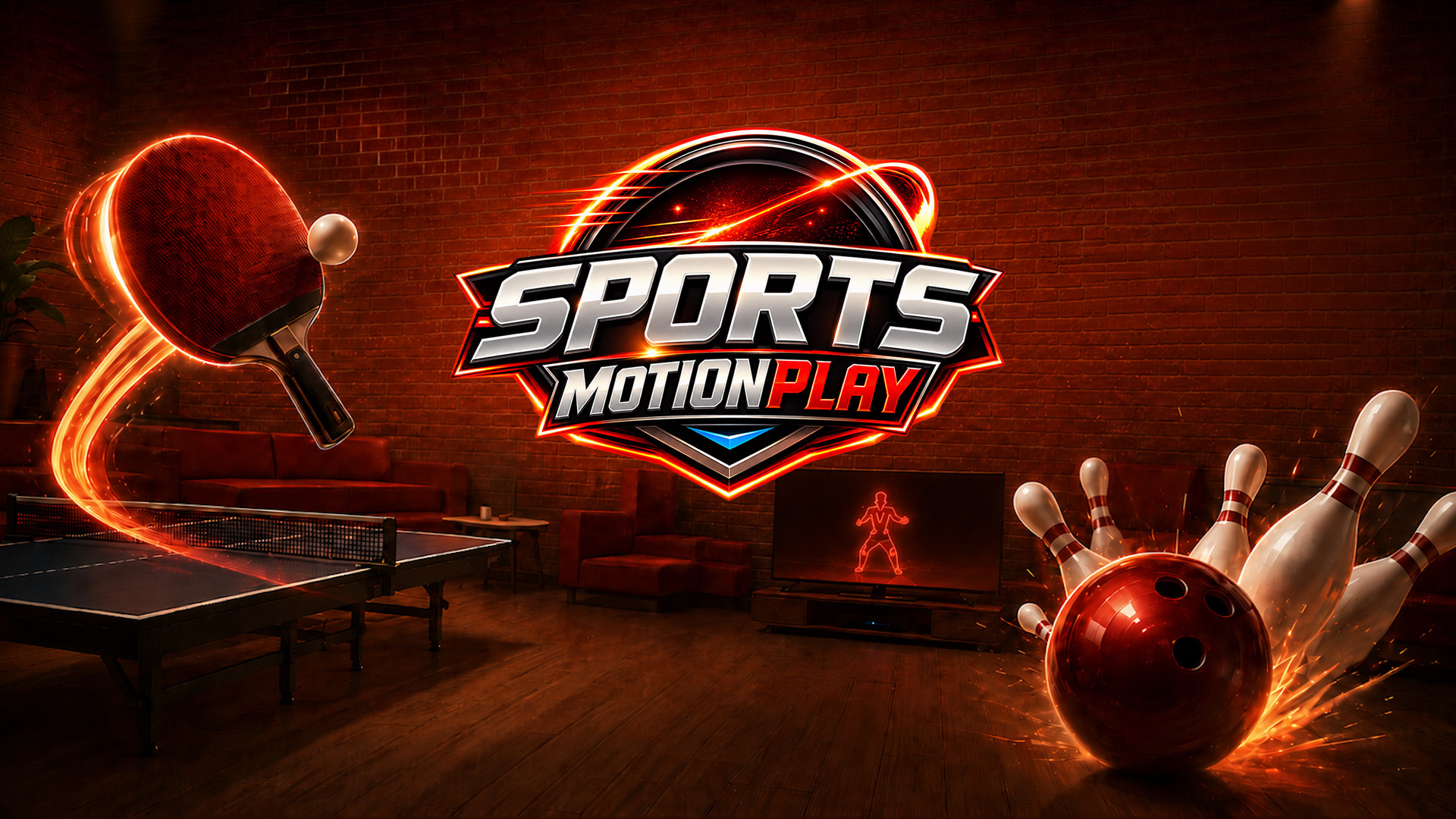
YOU ARE THE CONTROLLER. JUST MOVE. Use your smartphone camera as a motion controller for Nintendo Switch™. Your body movements control the action in real time - no wearable controllers or extra motion hardware required. Sports - MotionPlay features two easy-to-play motion-controlled games: Bowling and Table Tennis. Using the free MotionPlay app on a compatible smartphone, simply position your phone in front of you and move. Your phone camera tracks your movements and turns them into game controls. BOWLING Move your bowling hand left or right to line up your shot, then swing your arm forward just like bowling a real ball. Play solo against the AI or go head-to-head with a friend or family member in 2-player local play as you chase strikes, spares and the high score. TABLE TENNIS Move your hand left and right to position your bat and line up with the ball. With automatic hit and serve, there is no need to swing — simply move into position and keep the rally going. Take on the AI across multiple difficulty levels, from an easy-going opponent to a more serious challenge. Powered by patent-pending MotionPlay technology, setup is quick and simple. No additional camera accessory or wearable controller is required — just your compatible smartphone and Nintendo Switch™. Camera images are processed on your phone and are never recorded or shared.
Product description provided by the publisher.
Required Space
- English

More or less free space than is indicated here may be required in order to install products that have been downloaded to the console.
If there is not enough free space available, you can delete unnecessary software or insert a microSD card with enough space.
Note: Nintendo Switch 2 is only compatible with microSD Express cards.
This software supports the following: - Touch screen
MotionPlay Sports requires a compatible smartphone and the free MotionPlay app