Software
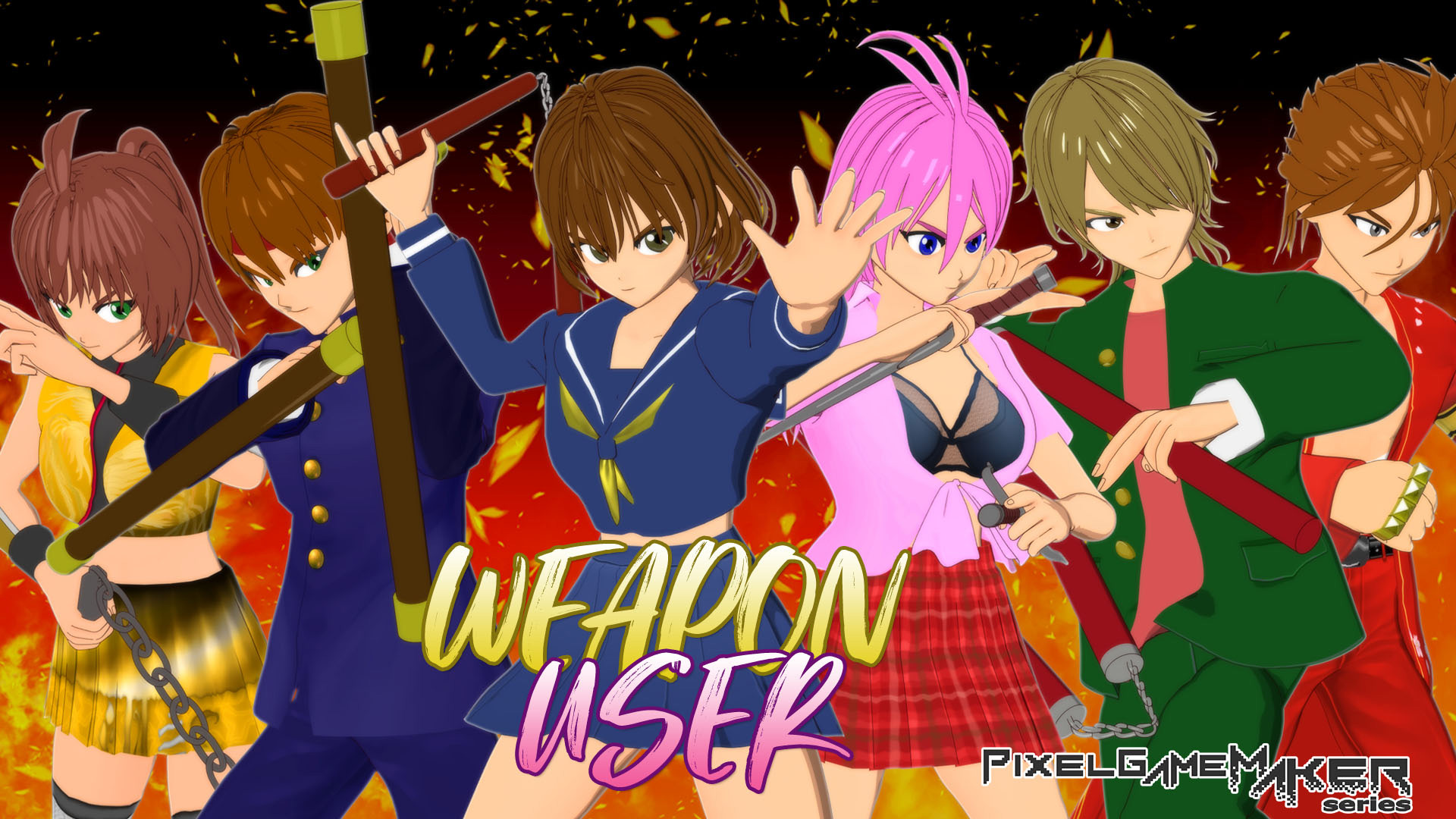
Pixel Game Maker Series WEAPON USER


Weapon-based hand-to-hand combat A battle filled with the emotions of weapon users begins!
Weapon User is a 2D fighting game that allows players to perform powerful combos with simple controls. Enjoy single-player gameplay in “STORY MODE” or 1-on-2 player battles in “VERSUS MODE.” ■System The control buttons consist of weak attack, medium attack, strong attack, special move, super special move, and close combat attack (equivalent to a throw). Special moves and super special moves can be easily executed by combining directional buttons with the attack buttons. 〇Secret Fist System A special attack that can be used once per round. It can be canceled from certain normal attacks, and when hit, it allows for relatively easy connections to combo moves or super special moves. 〇Game Modes You can select from “STORY MODE,” “VERSUS MODE,” and “TRAINING” modes. 〇STORY MODE Choose one of six characters wielding various weapons such as nunchucks, tonfas, and brass knuckles, and fight your way to victory. Defeating seven opponents clears the game. If you lose along the way, you can continue as many times as you like. 〇VERSUS MODE Select a character for each player (1P and 2P) and compete in a battle to determine the winner. You select your character each time you fight. 〇TRAINING Select a character and practice their moves. You can practice from standing, crouching, and jumping positions. 〇Hidden Elements Clear “STORY MODE” to unlock hidden elements, including hidden characters and character costumes. ■Story Weapon Battles are one-on-one duels using specific weapons. Participants are called Weapon Users and were popular among delinquents. One day, an excessive aggressor who inflicts unnecessary violence on losers after duels, known as the “Breaker,” appears. Weapon Battles begin centered around the Breaker. The "Pixel Game Maker Series" is a series of games created using the action game creation software "Pixel Game Maker MV" that can be enjoyed on the Nintendo Switch™.
Product description provided by the publisher.
Required Space
- Japanese
- English

A paid membership to Nintendo Switch Online is required to use the Save Data Cloud.
More or less free space than is indicated here may be required in order to install products that have been downloaded to the console.
If there is not enough free space available, you can delete unnecessary software or insert a microSD card with enough space.
Note: Nintendo Switch 2 is only compatible with microSD Express cards.